
BC Game India Support and Customer Service
The BC Game support team is available around the clock to assist players with account queries, payment issues, and general platform guidance. Contact options include live chat on the website, email, Telegram, and Twitter, with live chat offering the fastest response times, typically within a few minutes. The customer service team operates 24/7 and communicates in English and Hindi, ensuring Indian players receive clear and timely assistance.

BC Game Live Chat: The Fastest Way to Get Help
The BC Game live support feature is accessible directly on the website by clicking the chat icon at the bottom right corner of any page. Players are connected to a live agent within minutes, making it the most efficient channel for urgent concerns. Response times through live chat are typically under 5 minutes during peak hours. Best suited for:
- Immediate account access issues requiring fast resolution;
- Deposit or withdrawal problems that are time-sensitive;
- Clarification on active promotions or bonus terms;
- Quick answers to general platform or app questions.
For the fastest response through live chat, have the account email address and relevant transaction ID ready before starting the session, and describe the issue in clear, concise terms from the outset.
BC Game Email Support: For Detailed and Documented Queries
Players can reach the BC Game customer support team by sending an email to [email protected]. This channel is suited for issues that require detailed explanation, document submission, or a formal record of communication. The support team typically responds to emails within 24 to 48 hours. Best suited for:
- KYC verification and identity document submission;
- Disputes or formal complaints requiring documented evidence;
- Detailed technical reports that cannot be explained briefly;
- Account closure or data-related requests.
To receive a faster reply via email, include the registered account username or email address in the subject line, and attach all relevant screenshots or files in the first message rather than sending them in follow-up correspondence.
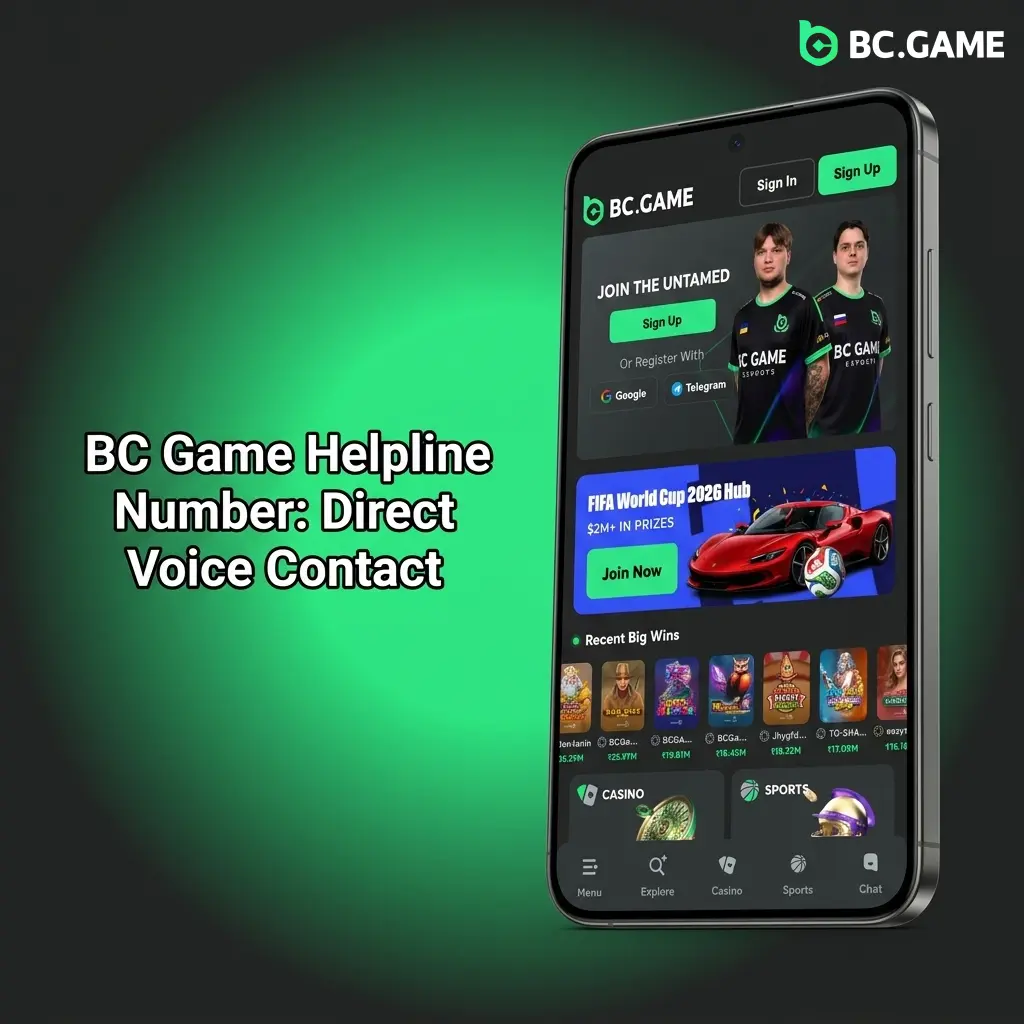
BC Game Helpline Number: Direct Voice Contact
At the time of writing, BC Game does not publicly list a dedicated phone helpline number or toll-free number for customer service on its official website. The platform focuses its support infrastructure on digital channels, including live chat and email, which are available continuously. Players in India who require voice-based assistance are encouraged to use the live chat feature as the most comparable real-time alternative. Recommended in cases where phone contact would typically apply:
- Complex account recovery situations needing guided step-by-step support;
- Accessibility concerns that make text-based communication difficult;
- Situations requiring confirmation of sensitive account changes;
- High-value transaction disputes requiring direct agent engagement.
For issues that would typically require a call, starting a live chat session and explicitly requesting escalation to a senior support agent is the most effective approach, and sharing all necessary account details at the start helps avoid delays.
Technical Support: Resolving Platform and Game Issues
Technical support at BC Game is handled through the main live chat and email channels at [email protected], with agents trained to address platform errors, game loading failures, and connectivity problems. Players experiencing technical issues can initiate a live chat session and select the relevant issue category to be routed appropriately. For complex technical problems, the average resolution time depends on the nature of the issue, with straightforward cases resolved within the chat session and more involved problems addressed within 24 to 72 hours via follow-up email. Best suited for:
- Games not loading or freezing mid-session;
- Login errors, two-factor authentication failures, or session drops;
- Display issues on the website across different devices or browsers;
- Cryptocurrency transaction errors or wallet connection problems.
Before contacting the technical support team, clearing browser cache and confirming the device operating system and browser version in advance helps agents diagnose the issue faster, and providing a screenshot of any error message at the start of the conversation shortens resolution time considerably.
VIP and Priority Support for High-Level Players
BC Game operates a tiered loyalty programme known as the BC Game VIP Club, through which players at higher levels gain access to a dedicated VIP support team. VIP members are assigned personal account managers who can be contacted directly via private messaging channels communicated at the time of VIP status confirmation. Priority support responses for verified VIP members are significantly faster than standard channels, with most queries addressed within 1 to 2 hours. Best suited for:
- High-value withdrawal requests requiring expedited processing;
- Personalised bonus or rebate inquiries specific to VIP tier benefits;
- Account management needs that require a consistent point of contact;
- Urgent issues during active high-stakes sessions.
VIP players should always contact their assigned account manager directly rather than using the general live chat queue, and noting the VIP membership tier at the start of any communication ensures the query is handled at the appropriate priority level.

Updated:
Social Media and Messaging Support Channels
BC Game maintains active presence on Telegram and Twitter, where players can send direct messages or follow official announcements. The official Telegram handle is @BCGame_English and the Twitter account is @BCGameNews. Response times via these platforms vary, with Telegram typically faster at a few hours, and Twitter responses ranging from several hours to one business day. Best suited for:
When contacting BC Game through Telegram or Twitter, avoid sharing sensitive account information such as passwords or full payment details in public posts, and keep initial messages brief with a clear description of the issue to prompt a faster reply.